
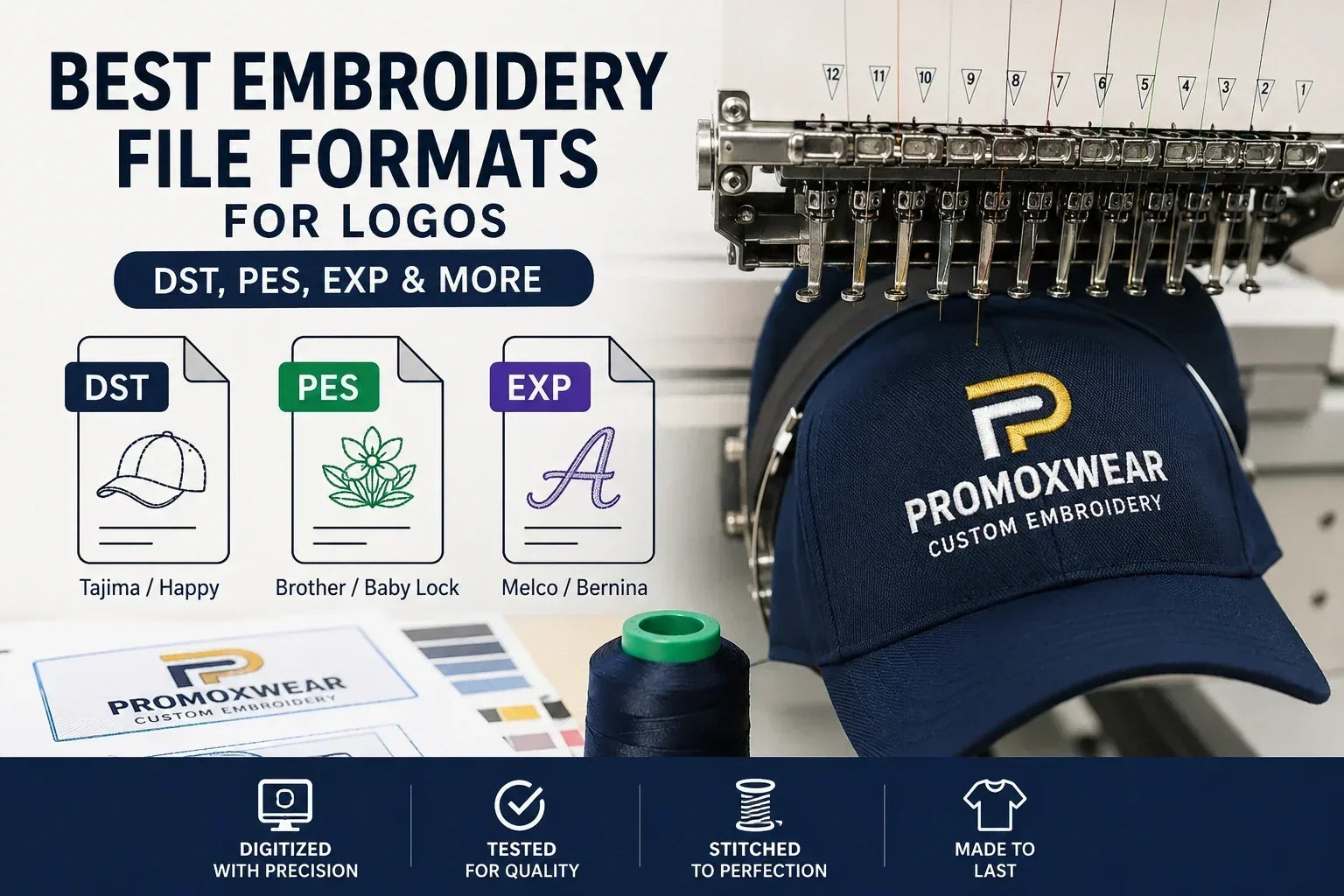
If you're ordering custom embroidered apparel, one of the most common questions is, "What file format do I need for my logo?" The good news is that you don't need to create embroidery files yourself. A professional embroidery company can digitize your artwork into the correct format for production.
At PROMOXWEAR, we accept almost any logo format and convert it into a professional embroidery file before stitching your order.
What Is an Embroidery File?
An embroidery file is not the same as an image file. While JPG, PNG, PDF, and AI files display your logo, embroidery machines require a special file that tells the machine:
- Where every stitch goes
- Stitch direction
- Stitch density
- Thread color changes
- Start and stop points
This process is called logo digitizing.
The Most Common Embroidery File Formats
DST (.dst)
DST is the industry standard embroidery format and works with many commercial embroidery machines, including Tajima and Happy Japan machines.
Best for:
- Commercial embroidery shops
- Uniform companies
- Large production runs
PES (.pes)
PES files are commonly used with Brother and Baby Lock embroidery machines.
Best for:
- Home embroidery
- Small embroidery businesses
EXP (.exp)
EXP files are widely used on Melco and Bernina embroidery equipment.
Best for:
- Professional embroidery
- Commercial production
Other Common Embroidery Formats
Other formats include:
- EMB
- JEF
- HUS
- VP3
- XXX
- CND
A professional embroidery shop can usually convert between these formats if needed.
What File Should You Send?
Don't worry if you don't have a DST, PES, or EXP file.
The best files to send are:
- AI
- EPS
- SVG
- PNG (high resolution)
- JPG (high resolution)
Vector artwork always produces the best embroidery results because it maintains sharp edges and clean details.
What Is Logo Digitizing?
Digitizing is the process of converting your artwork into stitches.
A digitizer manually programs:
- Stitch angles
- Stitch type
- Underlay
- Pull compensation
- Thread paths
- Trim locations
This is why embroidery files cannot simply be converted automatically from a JPG or PNG.
Why Every Logo Needs to Be Digitized
Every logo is different.
A logo that looks great on a computer may require adjustments before embroidery, including:
- Enlarging tiny text
- Thickening thin lines
- Simplifying small details
- Selecting proper stitch types
These changes help ensure the embroidered logo looks clean and professional.
Does Every Embroidery Shop Need Its Own File?
Usually, yes.
Even if you already have a DST file, another embroidery shop may recommend creating a new one because different machines, thread brands, hoop sizes, and garment types can require different stitch settings.
What Happens After You Place an Order?
At PROMOXWEAR, our process is simple:
- Upload your logo.
- We digitize the design into the correct embroidery format.
- We sew a sample on fabric.
- We send you a photo for approval.
- Production begins only after you approve the sample.
Frequently Asked Questions
Can I use a PNG for embroidery?
Yes. A high-resolution PNG works well, although vector files (AI, EPS, SVG) are preferred for the highest quality results.
Can I convert a JPG into a DST file?
Not directly. The artwork must first be professionally digitized.
Is digitizing included?
At PROMOXWEAR, we digitize your logo before production and provide a stitched sample for approval before your order is embroidered.
Which embroidery file format is best?
DST is the most widely used commercial embroidery format, but the correct format depends on the embroidery machine being used.
Ready to Embroider Your Logo?
Whether you have a JPG, PNG, PDF, or vector logo, PROMOXWEAR can prepare it for professional embroidery. We digitize your artwork, sew a sample for approval, and ensure your logo looks its best before production begins.